

Image Optimizations
Summary
Section titled “Summary”- Before uploading any images to the GMetri File Manager (by dragging and dropping files onto it), just run them through a compression tool to reduce their sizes drastically.
- Transparent pixels use the same amount of memory as non-transparent ones
- Don’t use more pixels than being used in the viewport (the user’s monitor). Eg: If you use an Image that’s
5meters x 5metersin 3D, and but placed 20 meters from the camera, its actual usage on the viewport is going to be only100px x 100px. In that case, use a100px x 100pxas the base image
Image Resolution and File Size Recommendation
Section titled “Image Resolution and File Size Recommendation”| Device | Recommended Max Resolution | Recommended Max File Size |
|---|---|---|
| Desktop | 8192x4096 | 5MB |
| Flagship mobile devices | 8192x4096 | 5MB |
| Low-end mobile devices | 4096x2048 | 2MB |
Equirectangular Images
Section titled “Equirectangular Images”GMetri uses Equirectangular Panoramic Images for as backgrounds (360 Image) for the 360 Scene type. Equirectangular images should have an aspect-ratio of 2:1
Optimize Image File Size
Section titled “Optimize Image File Size”Before uploading any images to the GMetri File Manager (by dragging and dropping files onto it), just run them through a compression tool to reduce their sizes drastically.
GMetri Suggested Compression website for little to no loss in image quality:
- JPEG images: https://squoosh.app/
- PNG images: https://tinypng.com/
A few other online resources:
Avoid using transparency as a tool for image placement
Section titled “Avoid using transparency as a tool for image placement”Transparent pixels use the same amount of memory as non-transparent ones
Good Example
Section titled “Good Example”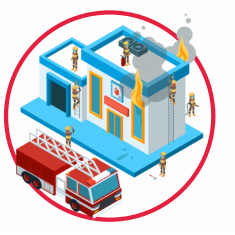
Dimensions: 235px * 235px. So it uses 55225 bytes = 0.05 MB in memory. 16x better than the bad example
Bad Example:
Section titled “Bad Example:”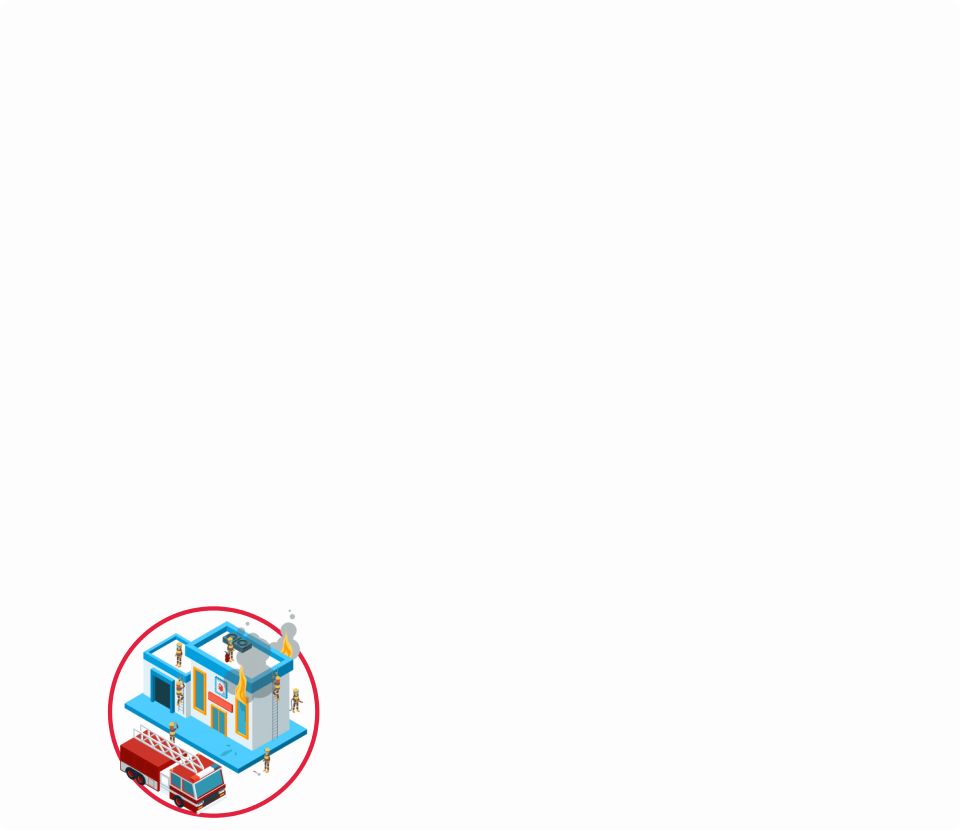
Dimensions: 960px * 831px. So it uses 797760 bytes = 0.79 MB in memory
Avoid decorational transparent images
Section titled “Avoid decorational transparent images”Bad Example
Section titled “Bad Example”Although it’s only 3Kb in size, its resolution is 960px * 608px, and so ends up using 0.5MB RAM!
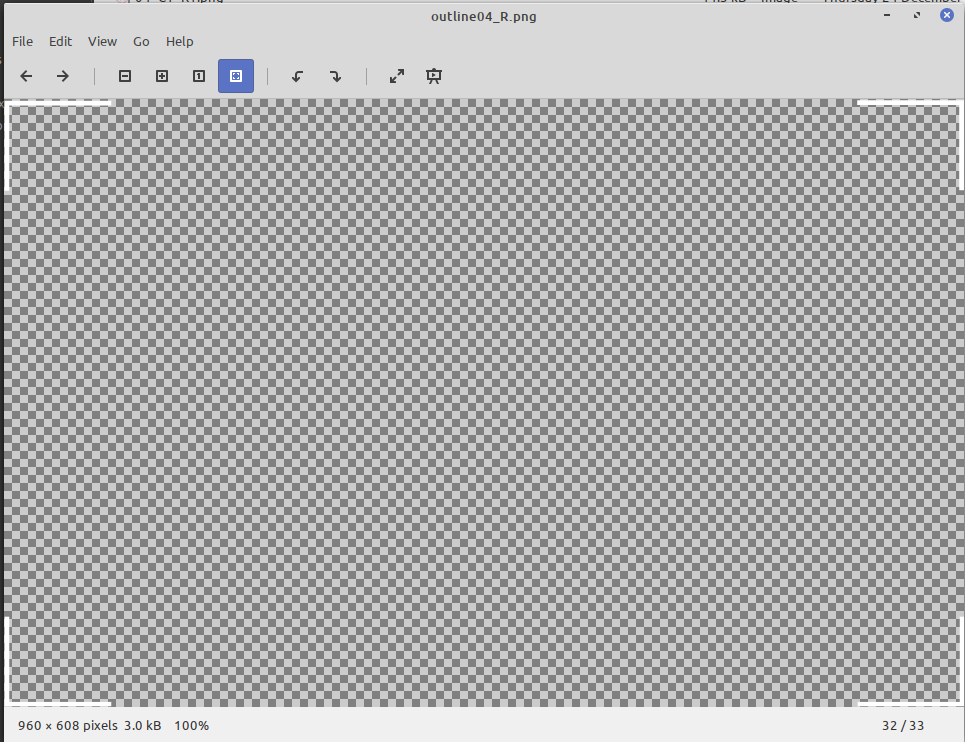
Bad Example - decorational transparent images
Use the minimum possible resolution that’s seen in the viewport
Section titled “Use the minimum possible resolution that’s seen in the viewport”Bad Example
Section titled “Bad Example”
Dimensions: 820px * 189px. i.e. it uses 154980 bytes (0.15MB) in memory
Good Example
Section titled “Good Example”
As you can see from the usage, the actual usage takes only around 300px * 75px on the screen. So instead of using a 820px*189px image for it, use a 300px * 75px image. This would reduce the memory consumption by 7 times!