

Apply Green Screen to Videos
Create a Demo Experience
Section titled “Create a Demo Experience”Let’s take a look at how you can add a green screen effect to a video using the GMetri Virtual Reality Platform.
- Add a video element into your scene. Select a video from the file browser with the green background applied to it.
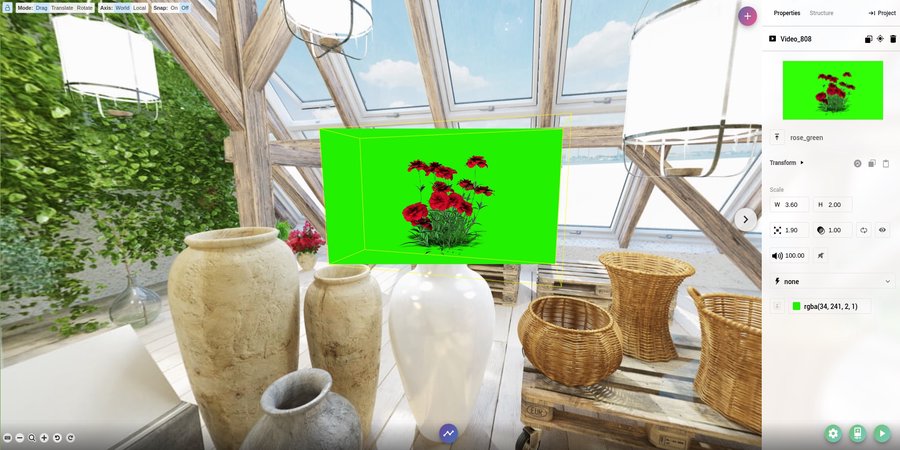
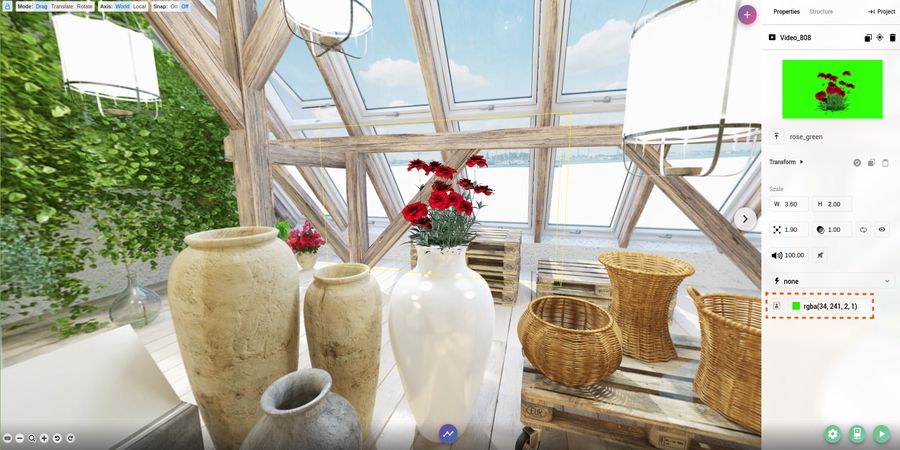
- Now click the Green Screen Icon to apply the filter and select the background color using the integrated color picker.
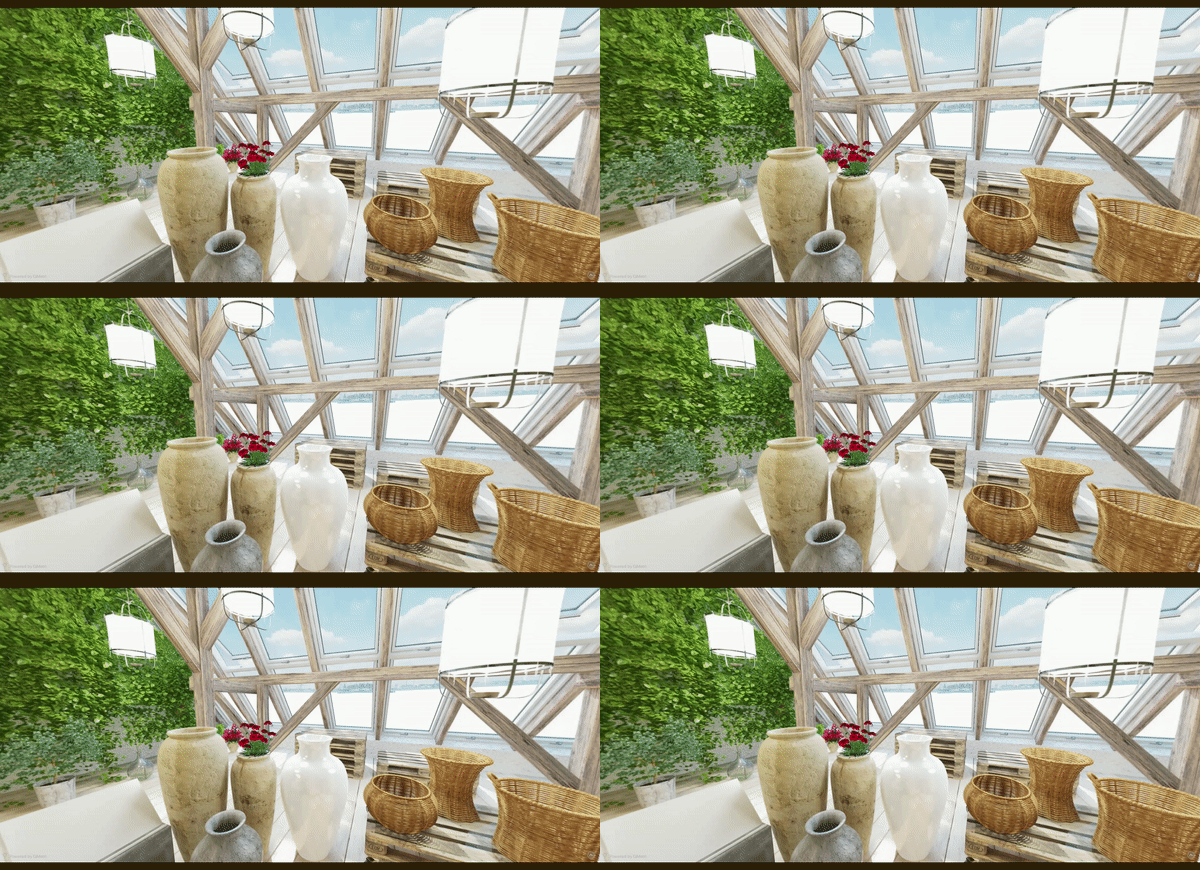
- Open up the preview and see the magic!
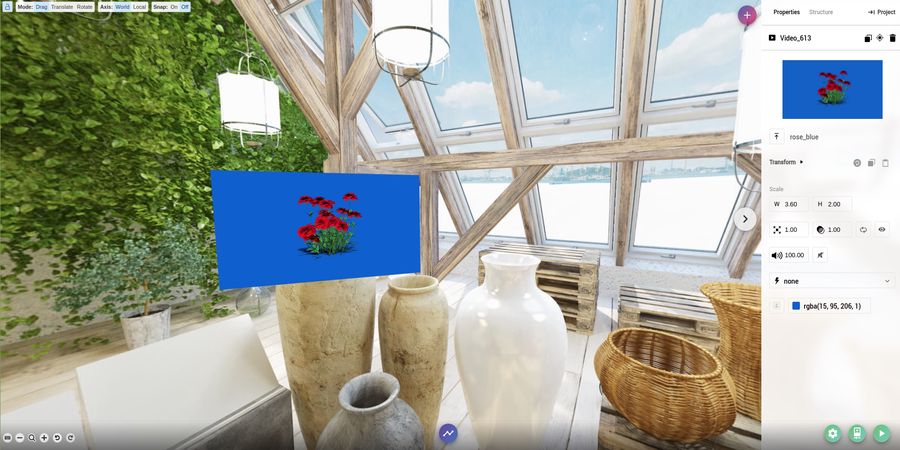
Here’s an example using blue background instead of a green background:
- That’s it! It now time to test the application. You can do that by clicking the green
Playbutton in Right bar. - A QR Code shall appear. Scan this from your phone to preview your green screen experience or just open the link in a new tab. The changes you make in the editor will be available in the preview as soon as you make them after refreshing the page!
Deploy
Section titled “Deploy”- For other to view this app, you must deploy it. To do this head over to the Publish section to know more.