

Capturing User Input
Adding Capture User Input Element
Section titled “Adding Capture User Input Element”To capture information entered by the viewer, you can add the ‘Capture Input’ element from the ‘Add Element’ menu.
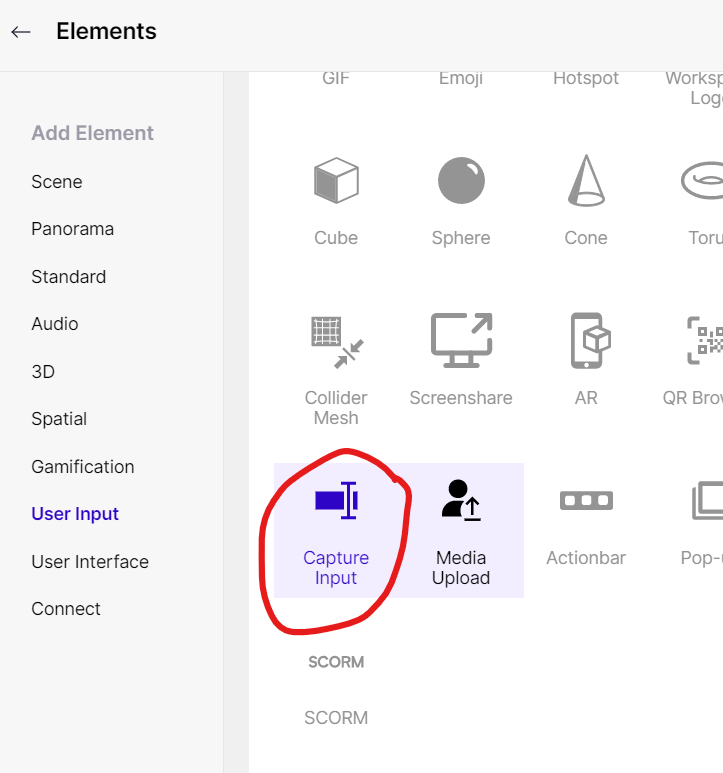
Capture Input Element
You can customize the Capture Input element in the Properties Panel - you can update the input’s placeholder, min and max length to be entered by the viewer.
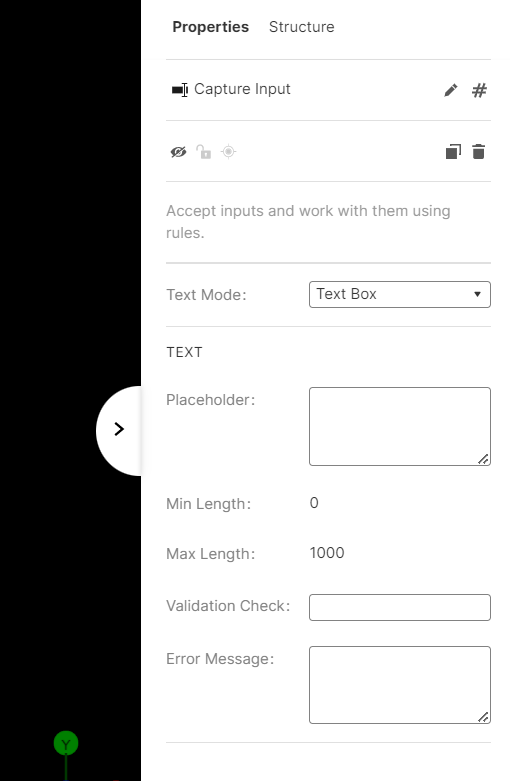
Capture Input setting panel
Add Rules to activate it
Section titled “Add Rules to activate it”You need to create rules to collect the data entered by the viewer.

Rules - Boolean Variables
Viewer Screen
Section titled “Viewer Screen”Here is how it looks to the viewer:
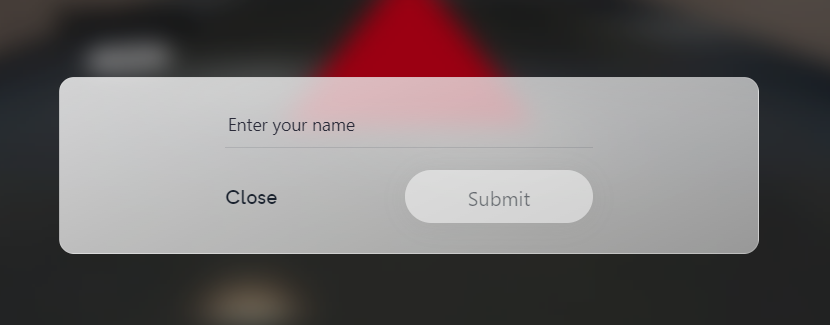
Capture Input front end
Example Experience
Section titled “Example Experience”These are the rules used in the above experience:
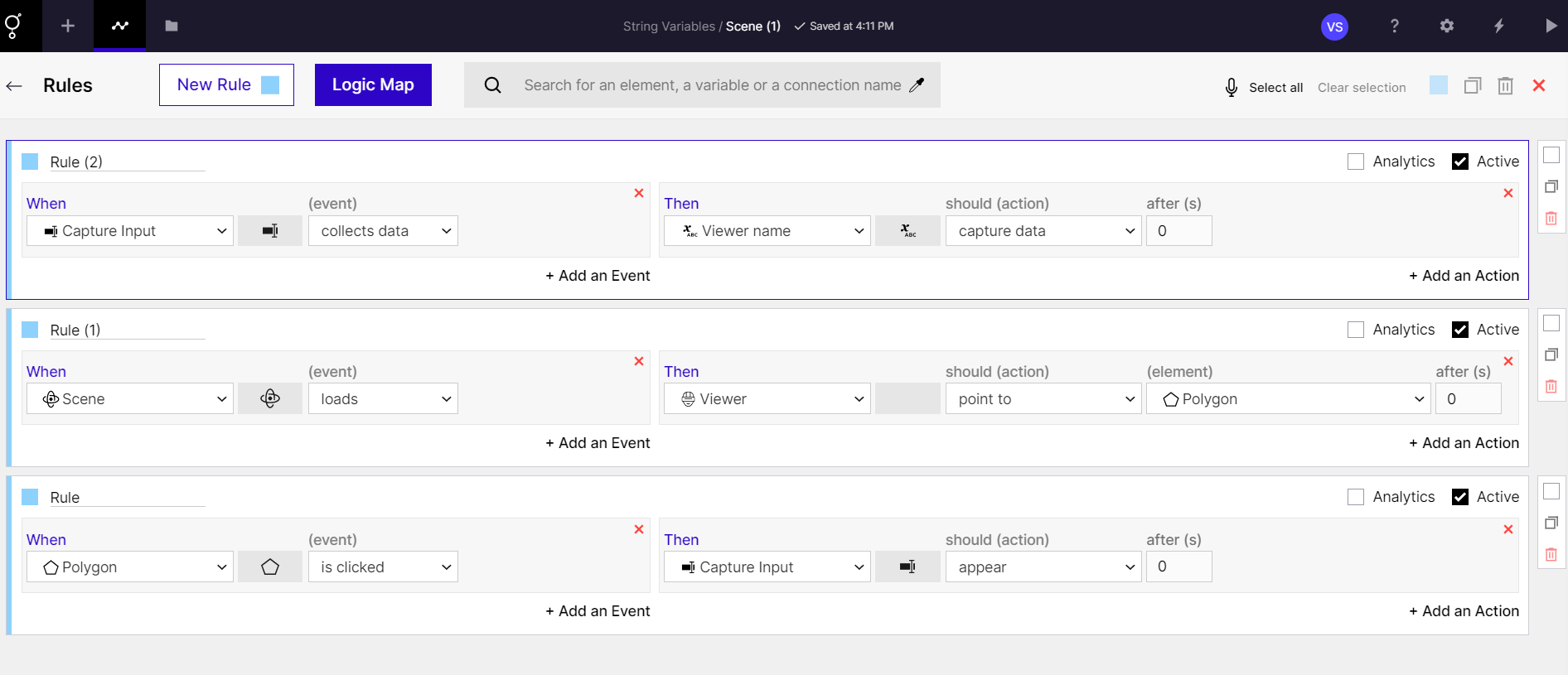
Rules - Capture Input into String Variable
a