

Branding
Make the metaverse truly your own by utilizing the branding section.
You have several options to brand your experience.
Remove Splash Screen
Section titled “Remove Splash Screen”To remove the “Powered By GMetri” splash screen, use this option.
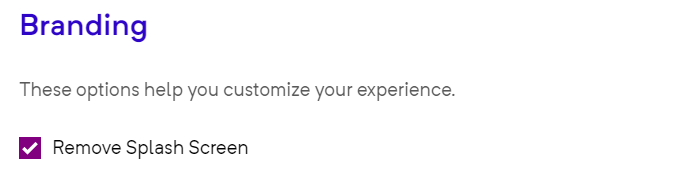
Remove Splash Screen
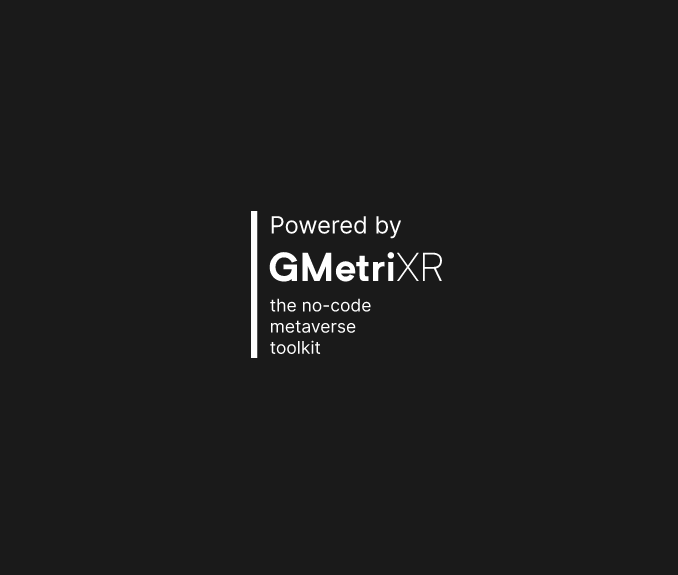
Flash Screen
Remove ‘Powered by GMetri’ watermark
Section titled “Remove ‘Powered by GMetri’ watermark”A watermark appearing in the bottom left corner of your experience is displayed to the viewer. This watermark can be removed by checking the relevant checkbox.
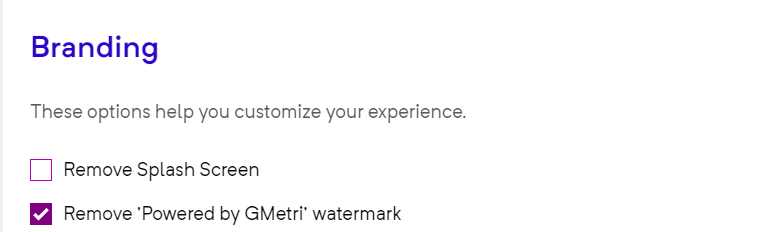
Remove 'Powered by Gmetri' Watermark back end
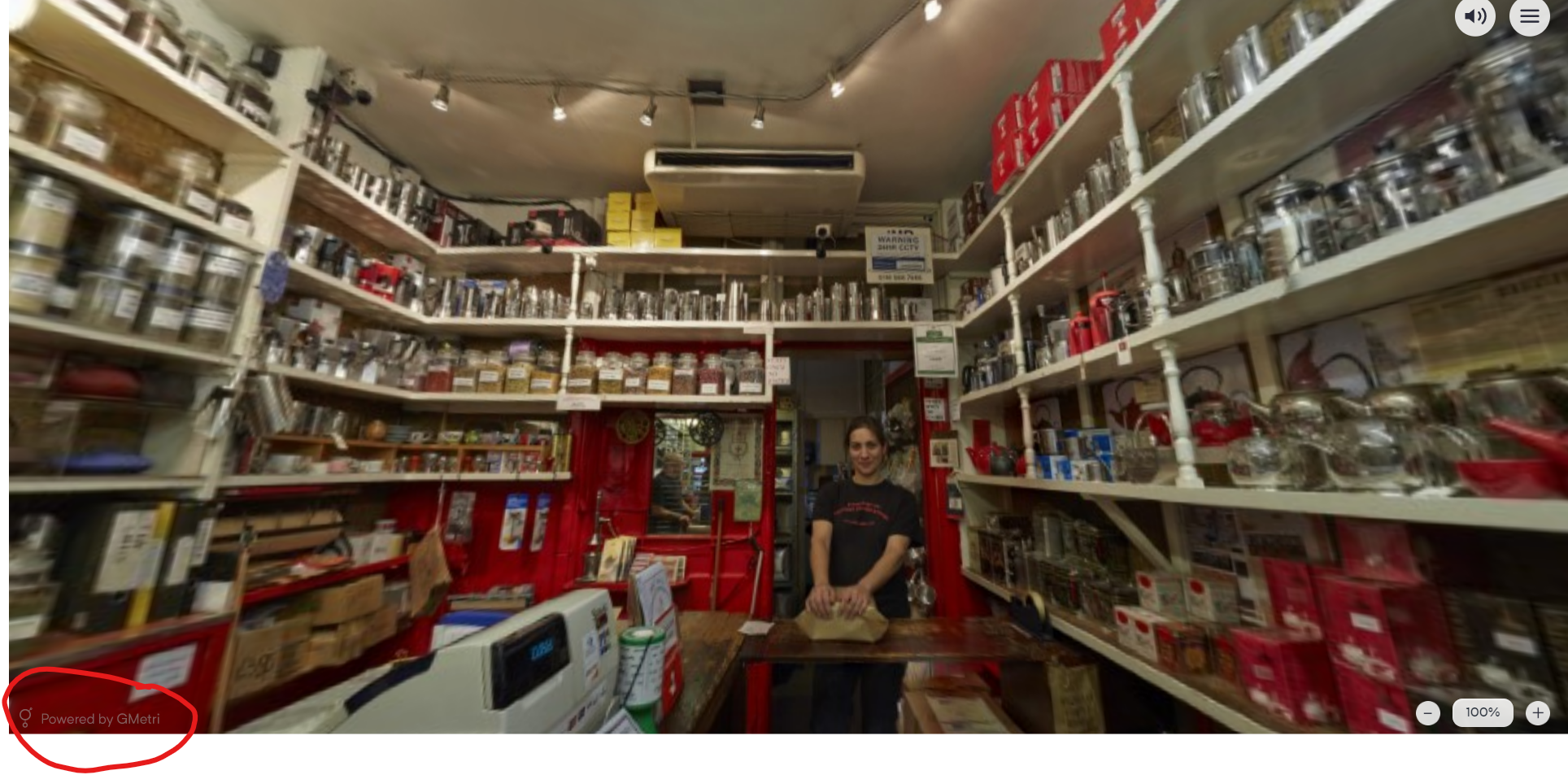
Watermark in GMetri Experiences
Custom Loader
Section titled “Custom Loader”Use the ‘Custom Loader’ option to update your organizational logo.
This logo gets used in the scene loader.
Click “Choose file” to select the logo from the file manager if it’s already uploaded.
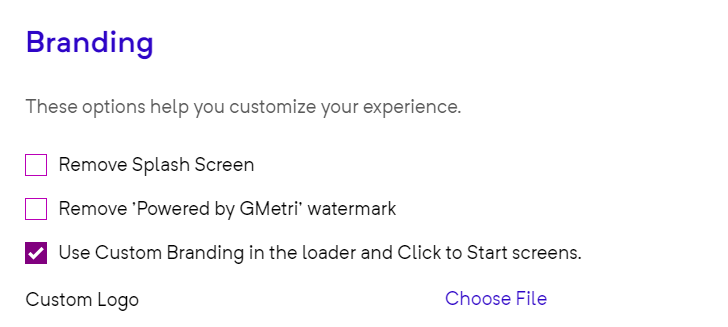
Custom Branding Back End
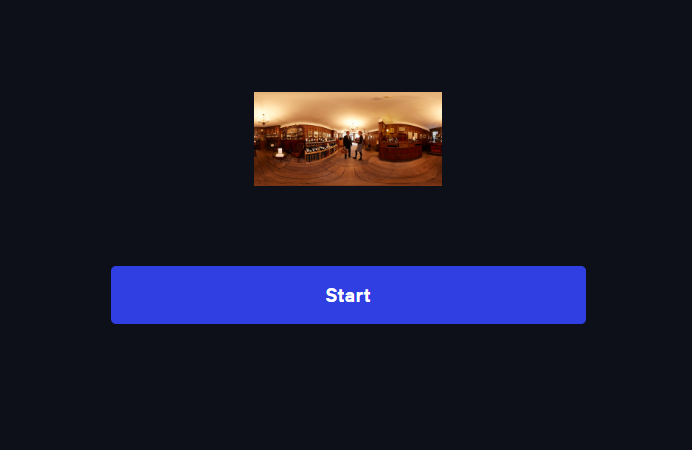
Custom Branding

Workspace Profile Picture
No custom loader
Support Message
Section titled “Support Message”This message is displayed in case of errors and can be customized and updated as desired.
Project Metadata
Section titled “Project Metadata”To enhance the accessibility of your experience, you can create custom metadata. The title and description can be personalized to your specifications.
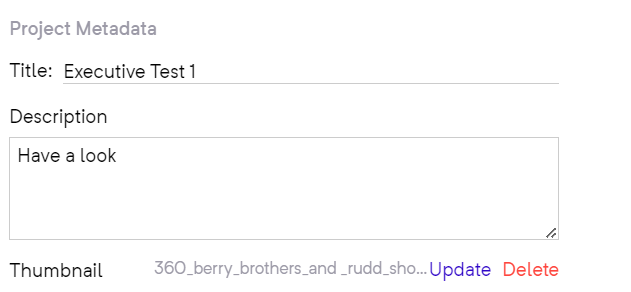
Metadata
You can select a thumbnail by clicking “Choose file,” which will be displayed when you share your deployment with a viewer.
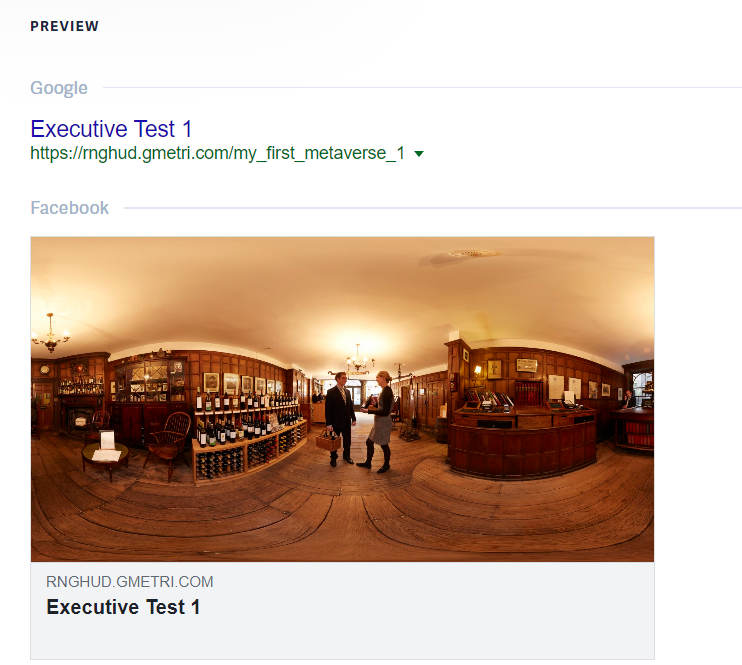
Front End Metadata
Tags aid in search engine optimization. Adding multiple tags can increase the visibility of your experience.
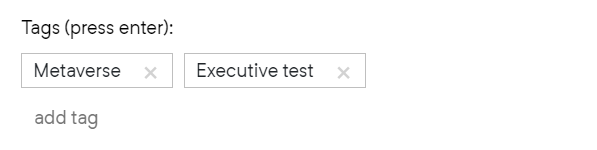
Tags