Multiplayer
Use Multiplayer Mode to interact with others in the same space.
With multiplayer mode you get the option to voice chat, text chat, video chat, screenshare and share reactions. There’s a comments mode to leave review comments on 360 scenes also.
You can also enter a space as host to kick/mute participants, send notifications and impose room limits.
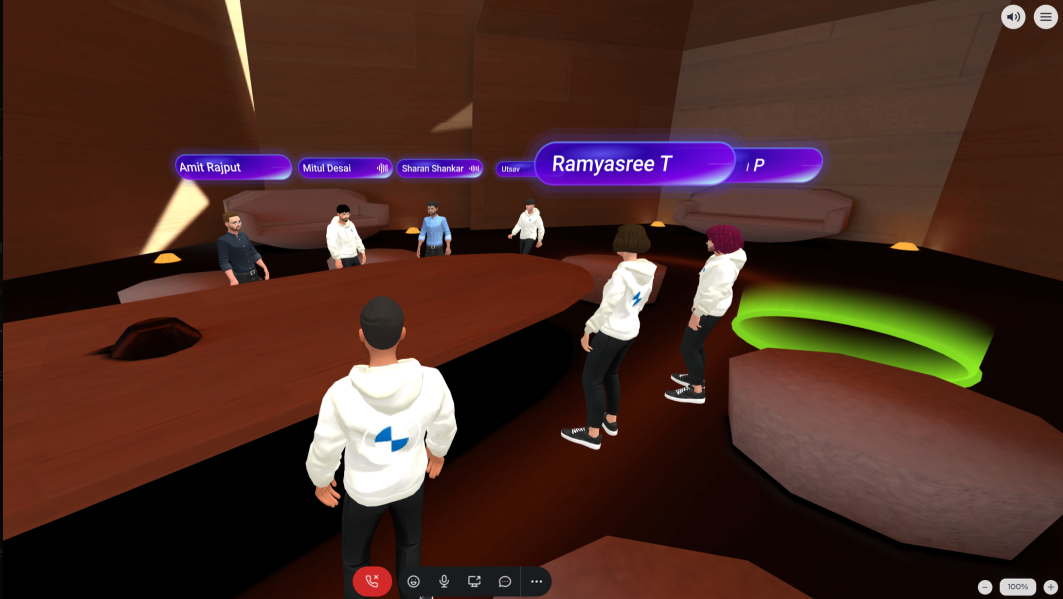
Multiplayer Mode
You can turn on Multiplayer Mode and control features like “audio”, “chat”, “screenshare”, “text chat”, “comments” on/off using the following section on the Publish page:
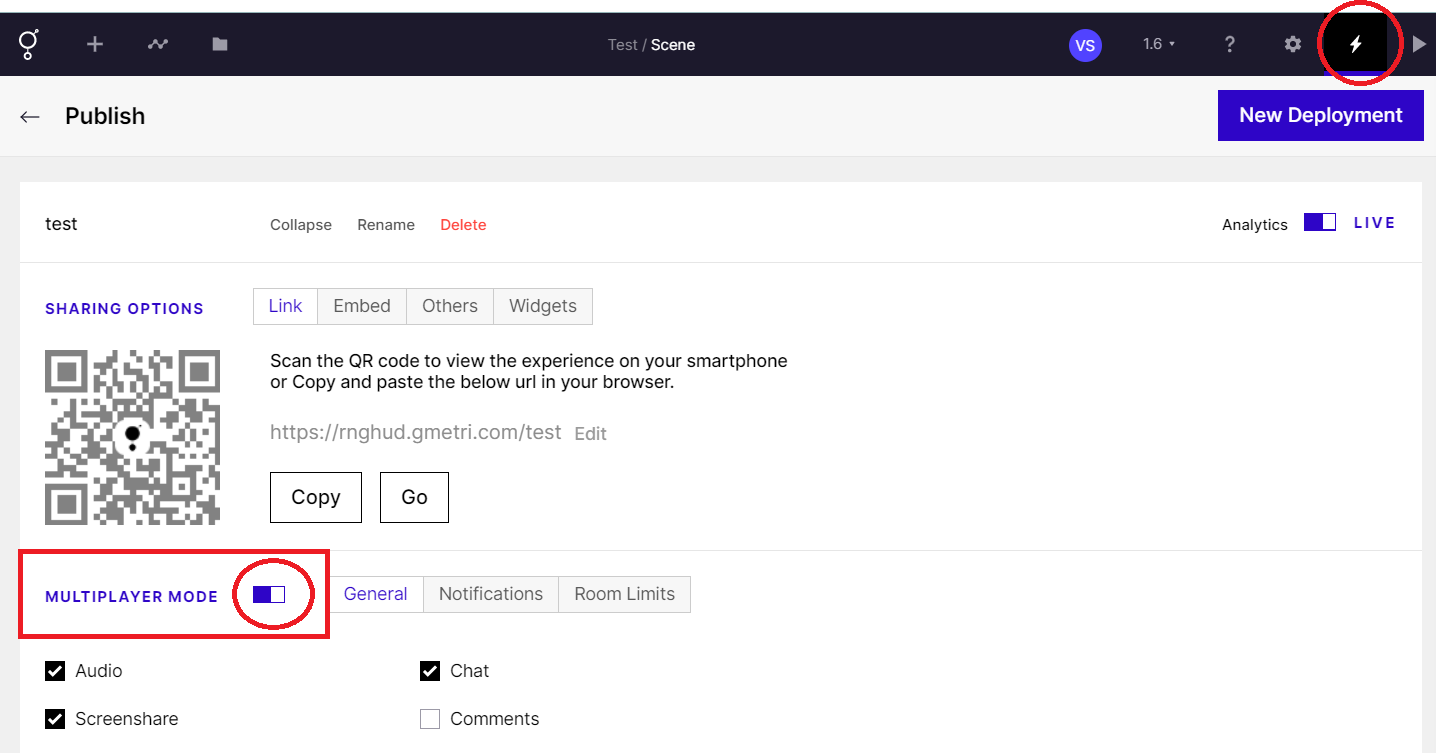
Multiplayer Mode
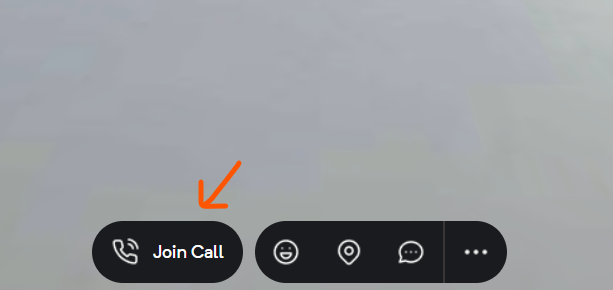
Join Call
Section titled “Join Call”Always remember to join call to be able use Text Chat, Voice Chat, Screenshare, Share Reactions, Receive Notifications or to enable Host Mode Features.