

Editor
The Editor is where you design and publish your experience
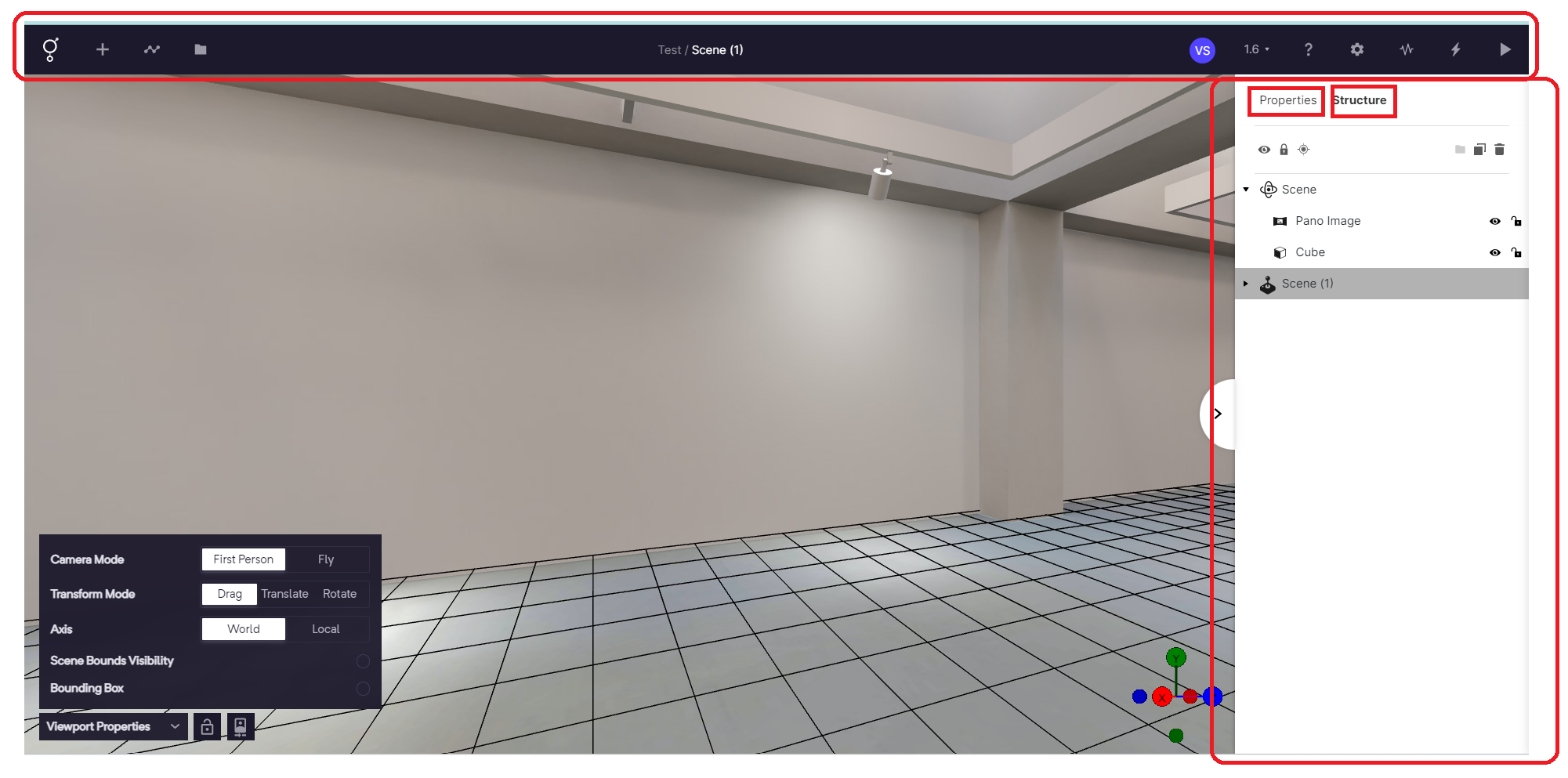
The Editor
The Editor is the interface you use to build your experience. It has 2 primary panels: Top bar and Right panel.
In addition, there’s a Viewport Properties panel at the bottom left. Learn more about it at the link below:
Top Bar
Section titled “Top Bar”Add Element
Section titled “Add Element”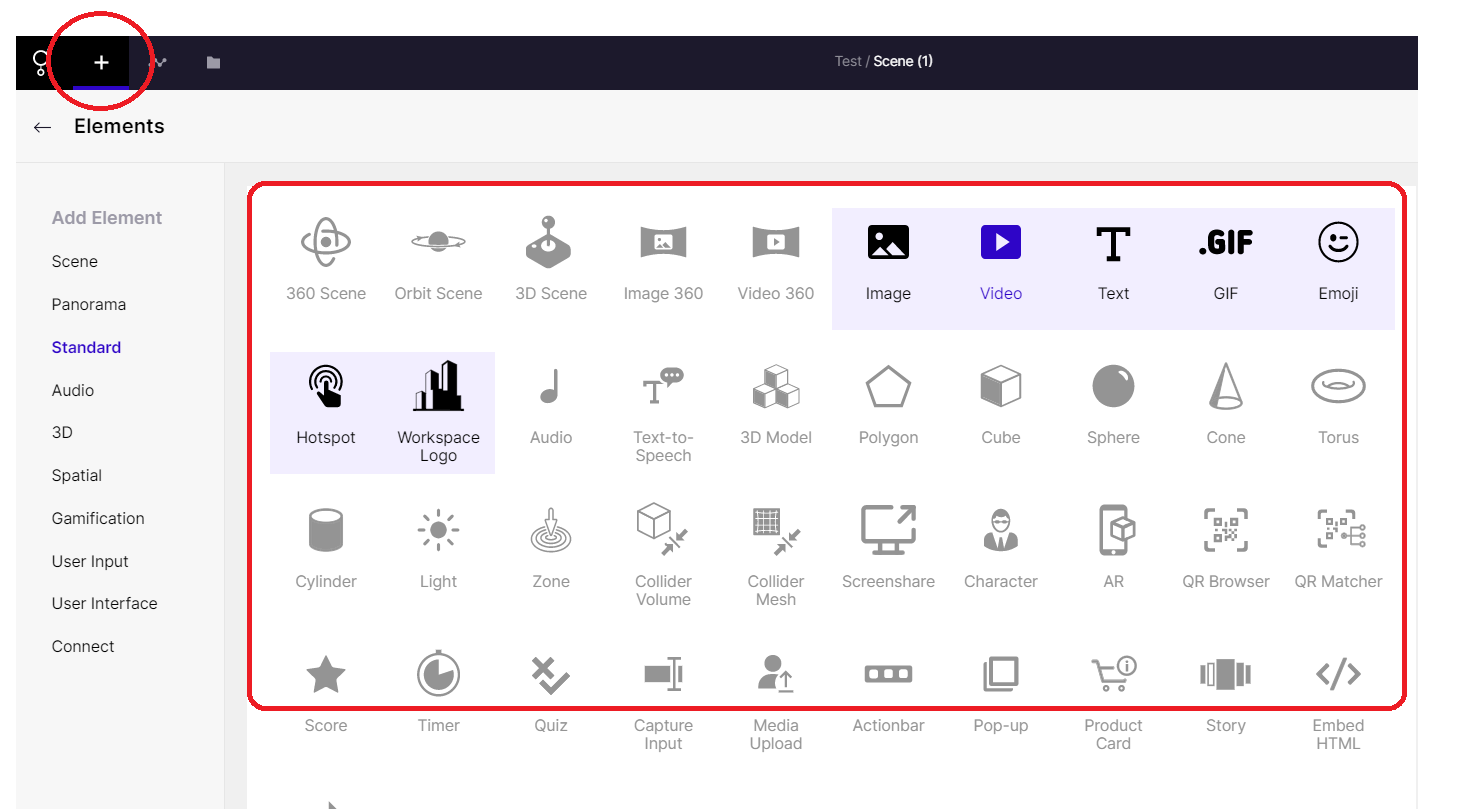
Add Element
Add various elements such as scenes, images, videos, GIFs, audio, and other multimedia components into your experience.
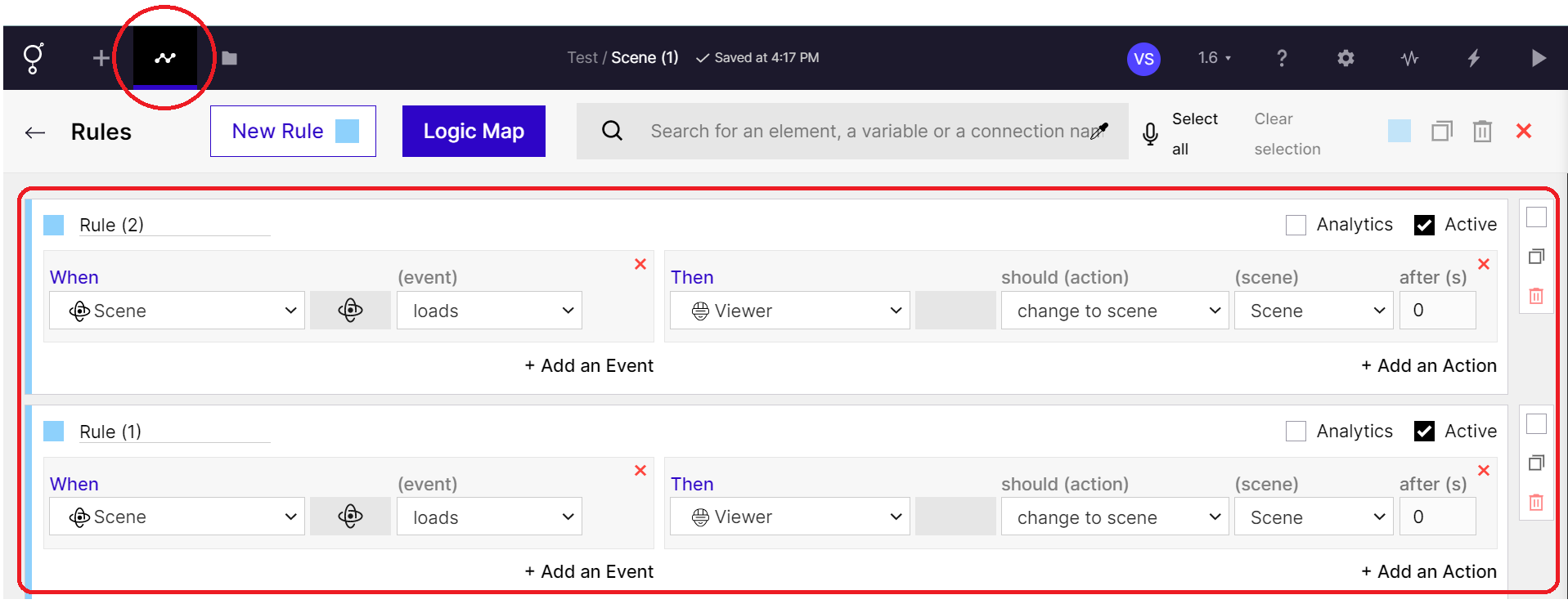
Rules
Rules serve as the fundamental component of interactivity in your experiences.
File Manager
Section titled “File Manager”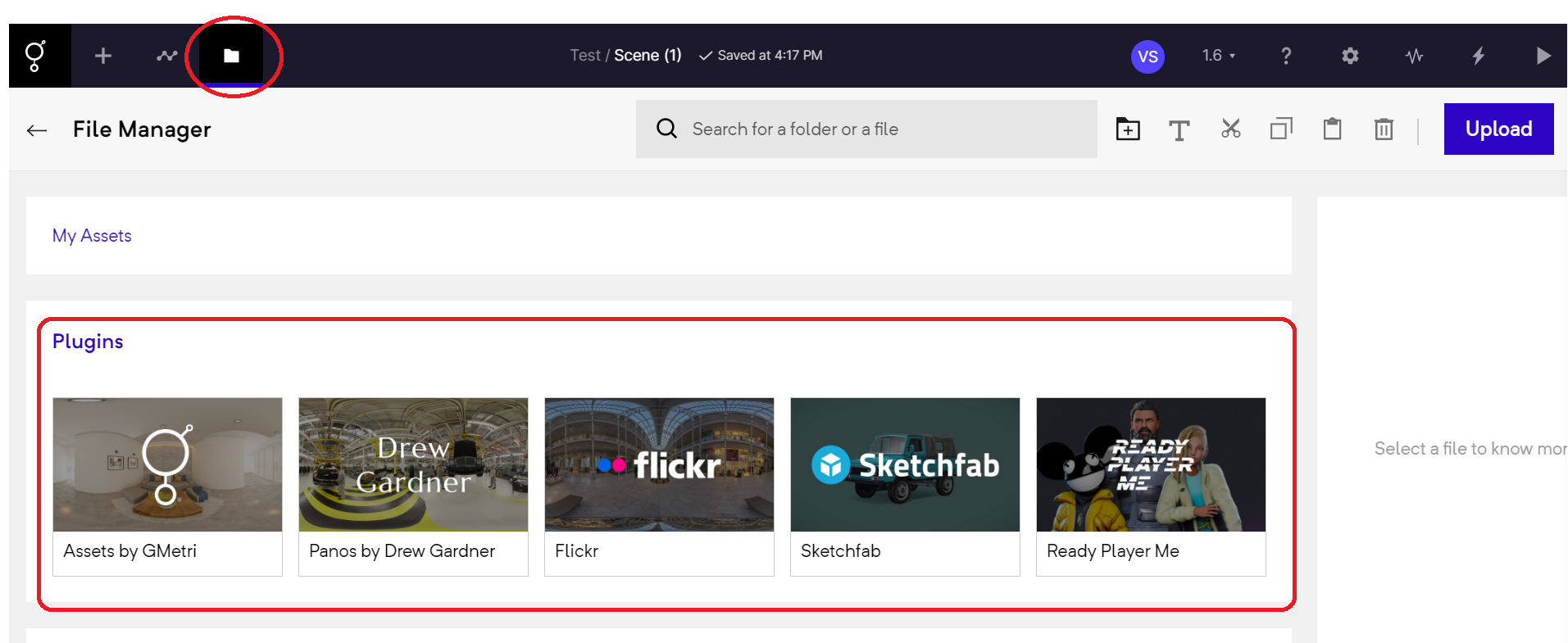
File Manager
You can manage/upload your assets from here.
Publish
Section titled “Publish”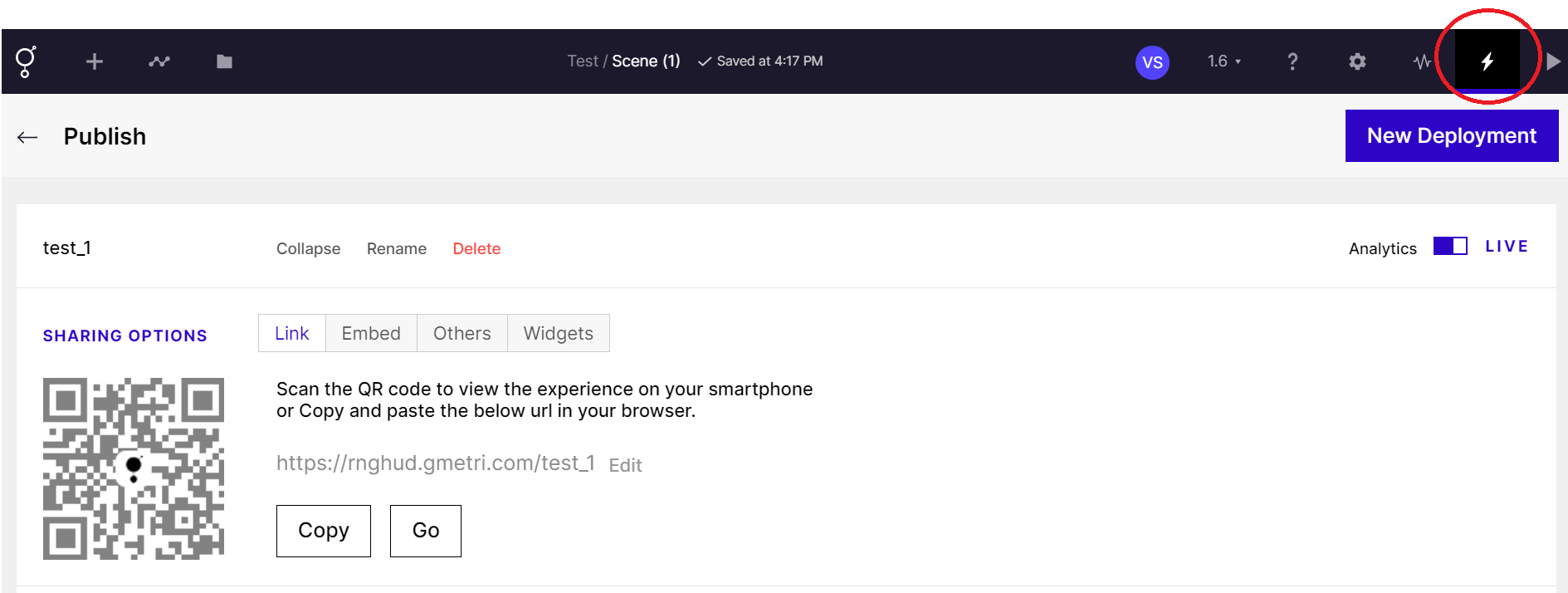
Publish
You can share your experience with the your viewers.
Preview
Section titled “Preview”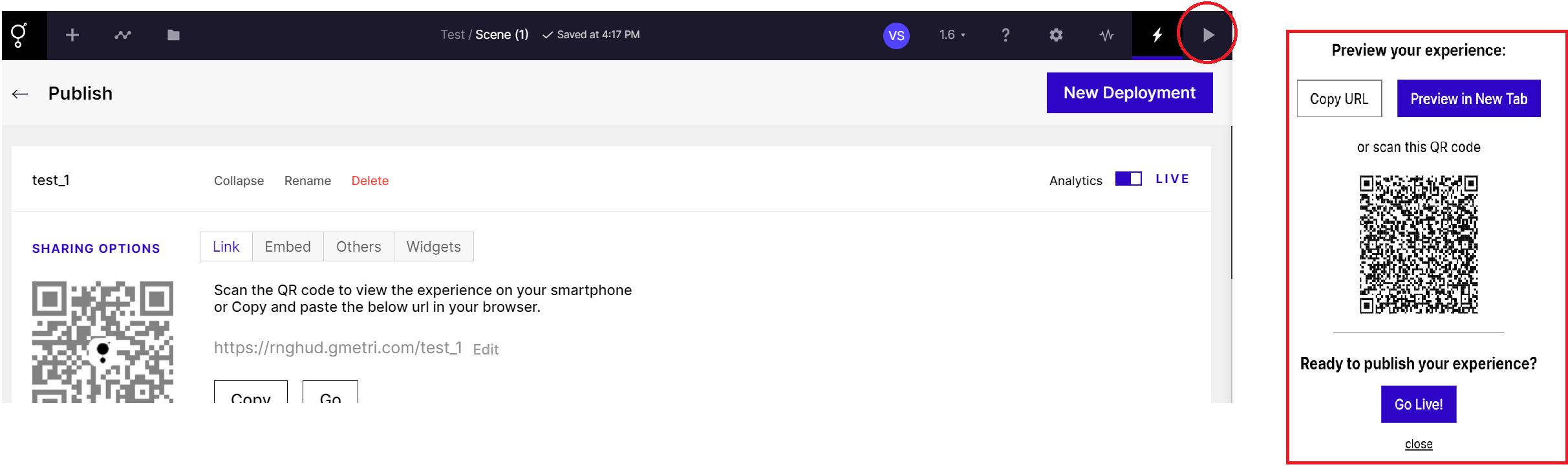
Preview
You can preview your experience before going Live and sharing it with your viewers from here.
Right Panel
Section titled “Right Panel”Properties
Section titled “Properties”You can adjust/ modify the properties of the currently selected element.
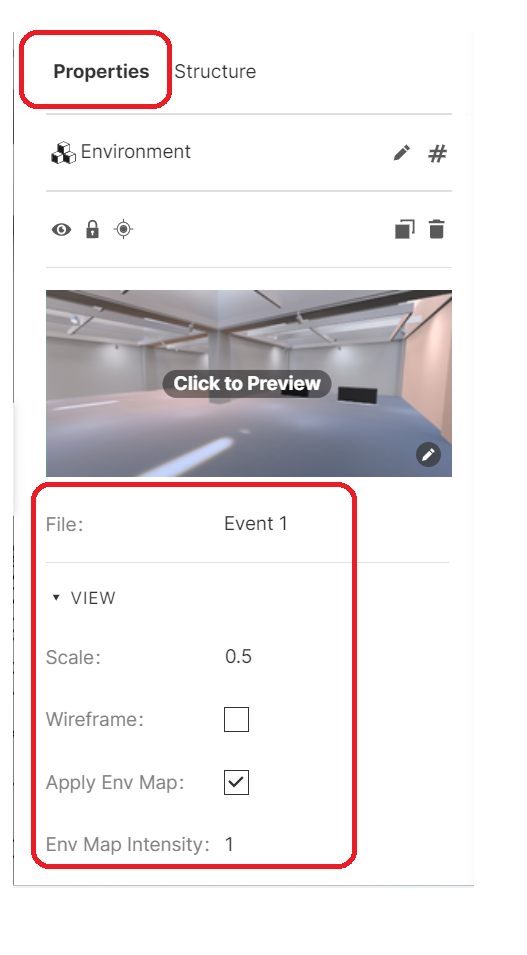
Properties
Structure
Section titled “Structure”This displays a comprehensive list of all the elements, scenes, and lighting configurations used in your virtual environment.
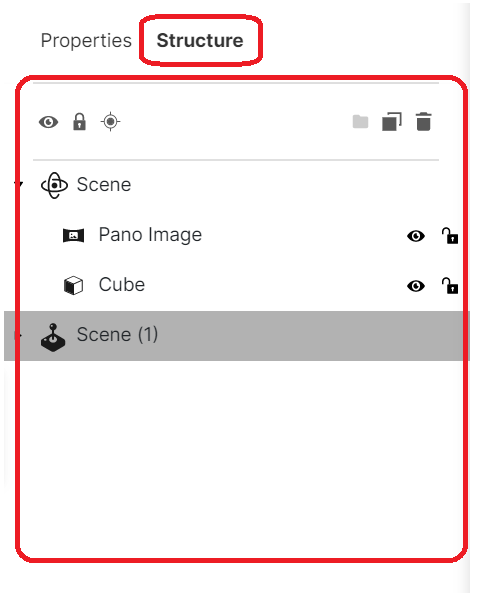
Structure