

Orbit Scene
Properties of an Orbit Scene
Section titled “Properties of an Orbit Scene”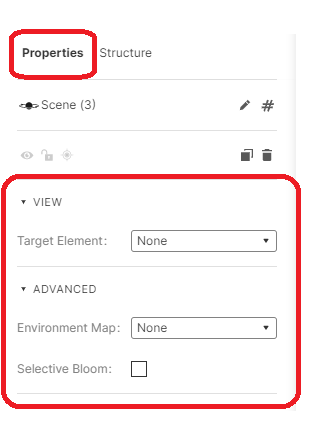
Orbit Scene Properties
You can select the target element from the drop down and choose the element that should be the target.
By considering the target element as the target, the environment can be rotated in accordance with it.
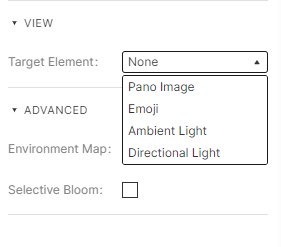
Target Element.
Advanced
Section titled “Advanced”Environment Map and Selective Bloom in any experience are similar to those in a 3D scene.
How to add an Orbit scene into your experience?
Section titled “How to add an Orbit scene into your experience?”To add an orbit scene, click on + in the top bar and select Orbit scene
You then have an Orbit scene added to your experience.
Setting up an orbit scene around a 3D object
Section titled “Setting up an orbit scene around a 3D object”Once you have added an Orbit scene, you can add a 3D object by clicking “+” in the top bar and choosing “3D Model”.
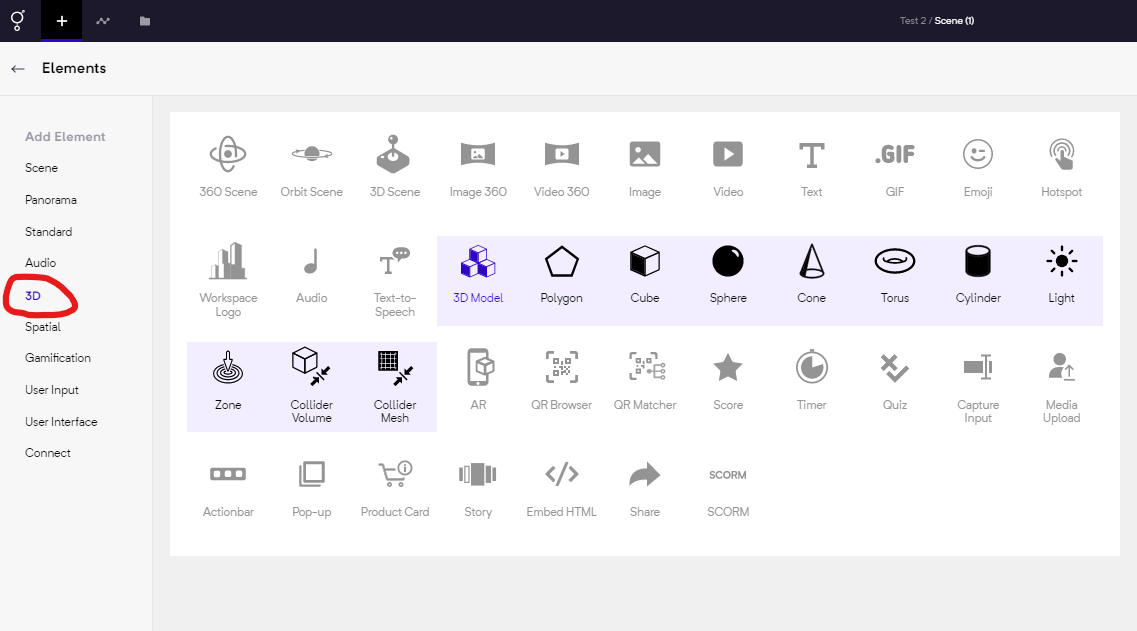
Choosing a 3D object