

Portal
The Portal give you an overview of all your experiences
An experience in GMetri is like a file in Photoshop or a project in MovieMaker.
Portal Overview
Section titled “Portal Overview”You can see all your experiences in the Portal. To create a new Experience, click on “Create new Experience”, type its name and press the arrow next to it.
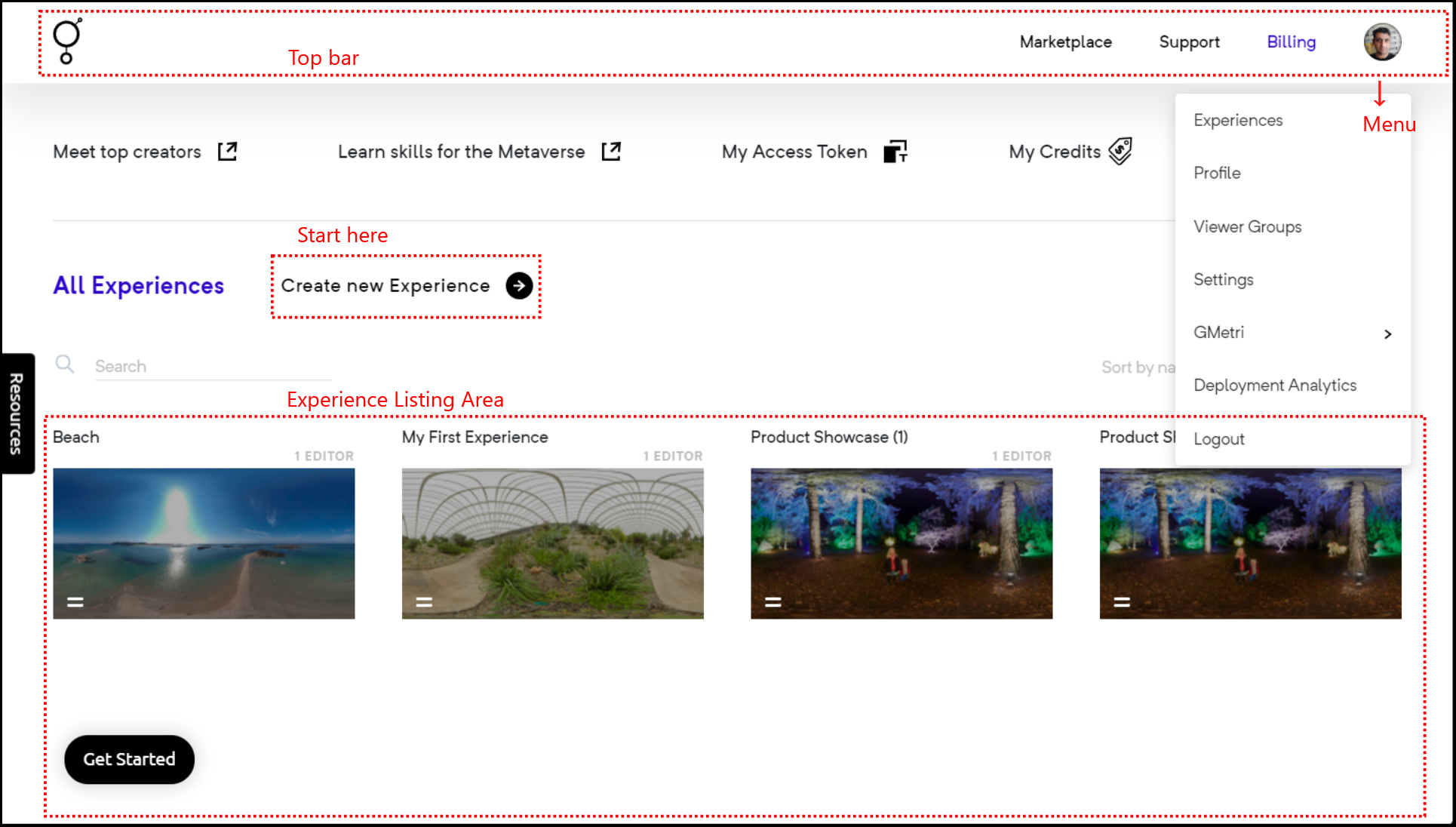
- Click on the experience to edit the experience by opening the Editor
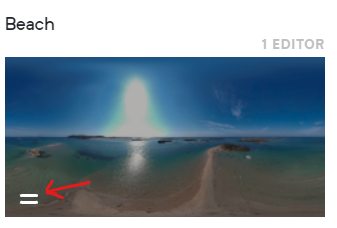
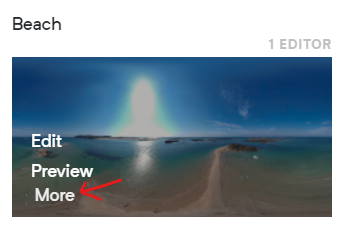
- Use the bottom left menu to access more options
Duplicate an Experience
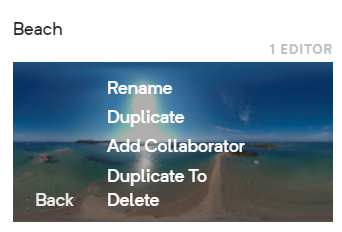
Section titled “Duplicate an Experience”Use the bottom left menu on the Experience thumbnail in the Portal to duplicate the experience.
Duplicate an Experience to a different Workspace
Section titled “Duplicate an Experience to a different Workspace”- Use the bottom left menu on the Experience thumbnail in the Portal and select “Duplicate To”
- Select the Workspace you want to duplicate the Experience into
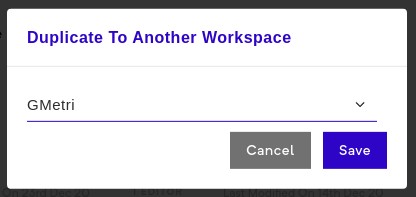
- As the operation might take some time, you will get an email once the duplication is completed