

Placement in 3D Space
How do I place/move elements in my experience?
Section titled “How do I place/move elements in my experience?”There are 3 ways to place/move elements in an experience, from viewport properties - #drag, #translate and #rotate. You can also do the same using #transform-properties.
By selecting the “Drag” option, you can use your mouse to move the item or element that you wish to relocate within your experience.
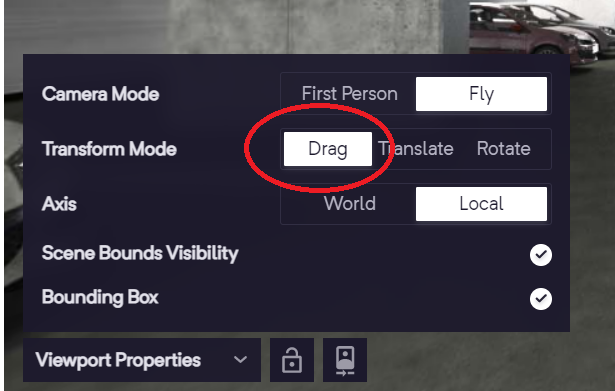
Placing items - Drag
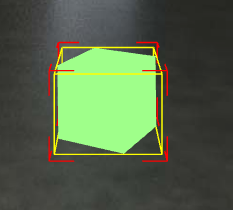
Drag
Translate
Section titled “Translate”This allows you to move objects along the X, Y, and Z axes.
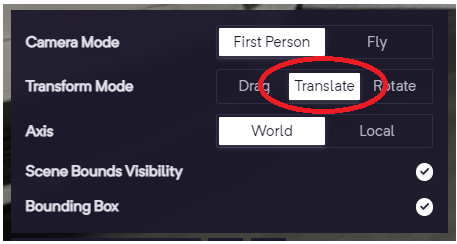
Placing items - Translate
It is possible to modify the position of your element along the X-Y, Y-Z, and X-Z axes.
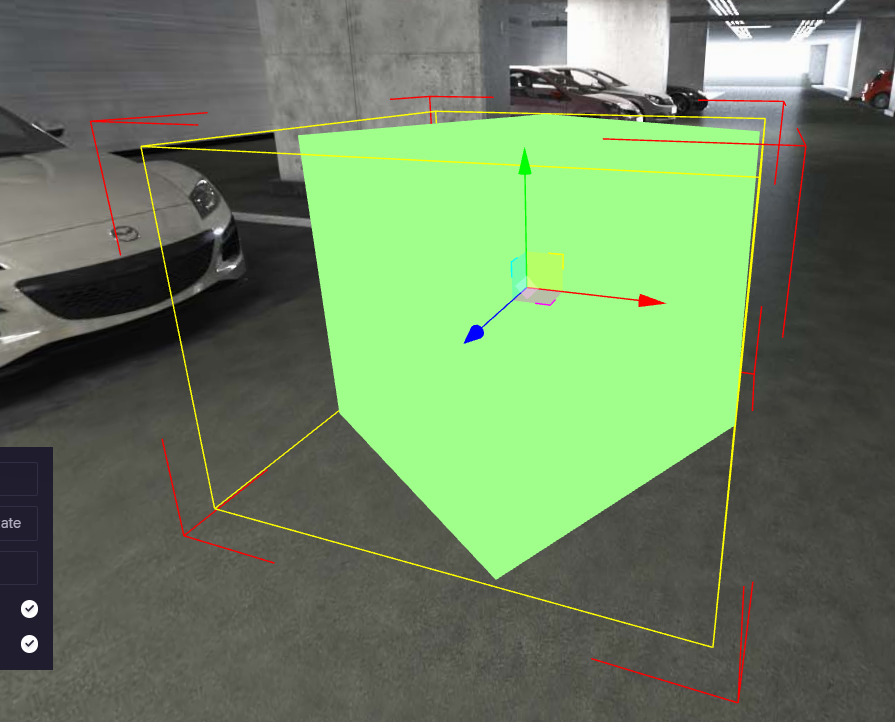
Translate
Rotate
Section titled “Rotate”“Rotating elements” refers to the process of changing the orientation or angle of virtual objects or elements within an experience.
This can be done using tools such as a “rotate” function from ‘Viewport properties’, which allows you to adjust the rotation of objects around the X, Y, and Z axes.
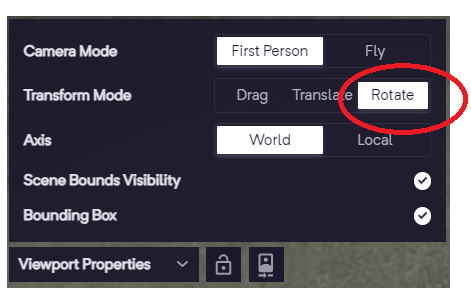
Rotate - Placing Items
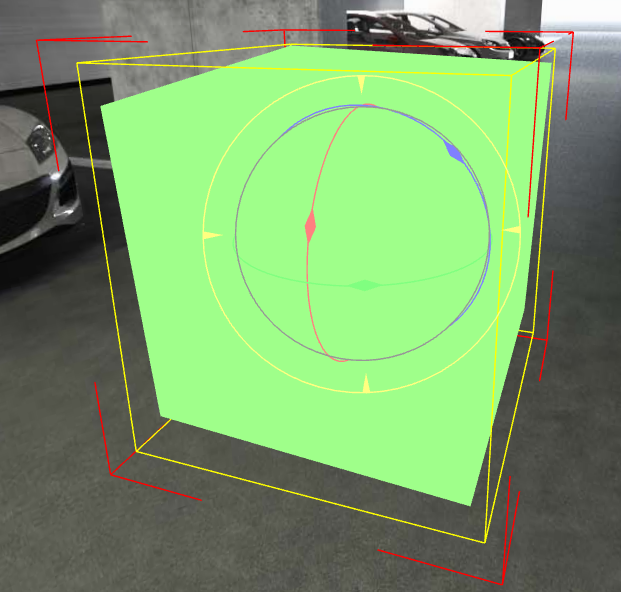
Rotate - Placing Items
Transform Properties
Section titled “Transform Properties”In addition to the three methods mentioned above, there is an additional option; Transform. This lets you to move or modify your elements and manipulate the axes as desired.
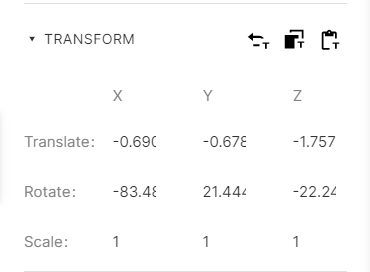
Transform
There are two types of axes available for the translate and rotate transform modes.
World Axis
Section titled “World Axis”World axes define the spatial orientation of your experience.
They act as a reference point for positioning and manipulating objects within the environment.
The World axes consist of three perpendicular lines, labeled X, Y, and Z.
X representing the horizontal axis, Y representing the vertical axis, and Z representing the depth axis.
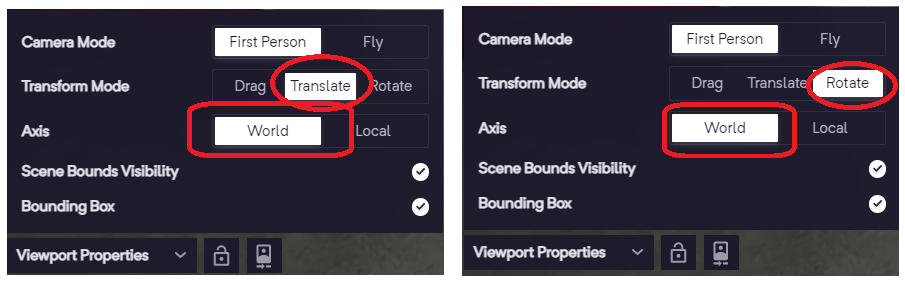
Translate and Rotate - World Axes
Local Axis
Section titled “Local Axis”Local axes define the spatial orientation of your experience.
They act as a reference point for positioning and manipulating the object’s position, rotation, and scale. Local axes consist of three perpendicular lines, labeled X, Y, and Z. These lines represent the object’s internal coordinate system, which is defined by the object’s orientation and pivot point.
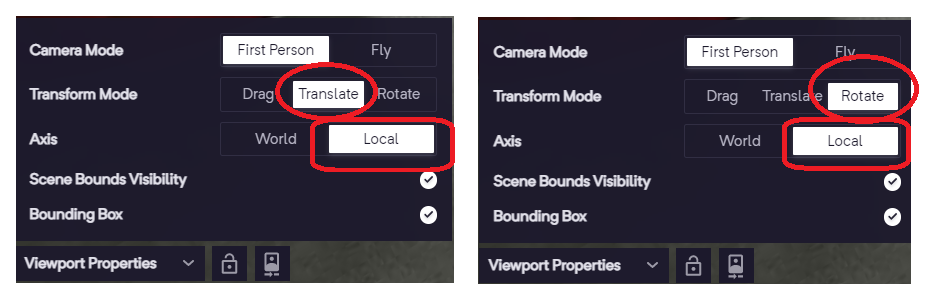
Translate and Rotate - Local Axes