

Screenshare
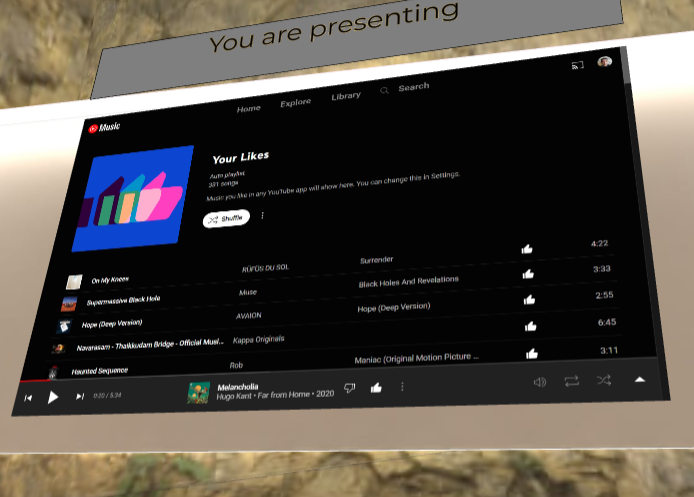
Click on ‘Join call’ to activate Screenshare.
There are two ways to share your screen:
2D screenshare
Section titled “2D screenshare”This allows you to display your screen, and by clicking on the screenshare option as illustrated below.
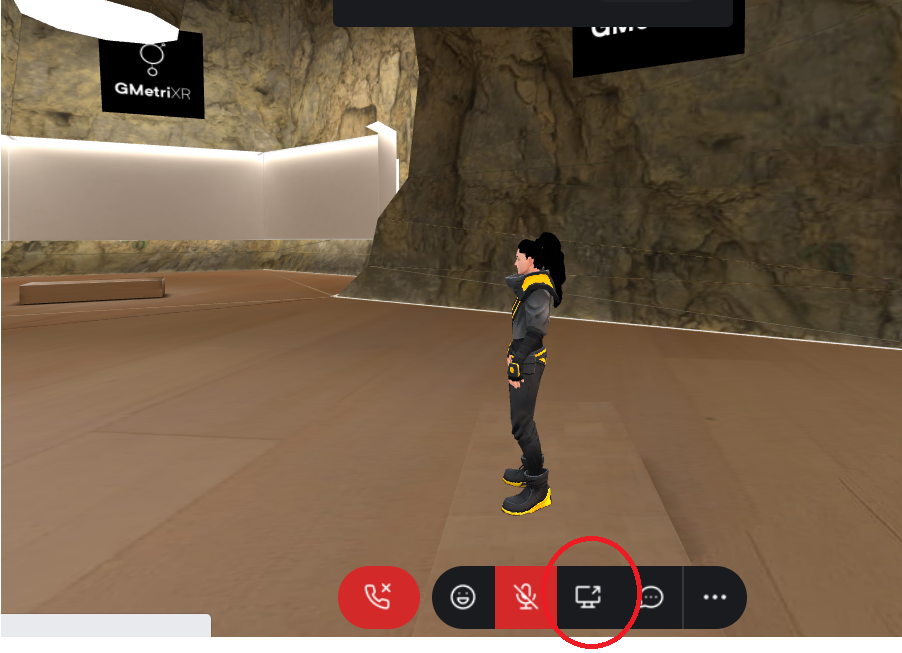
Screen share
Your screen can be viewed by the participants in the space, as shown below.
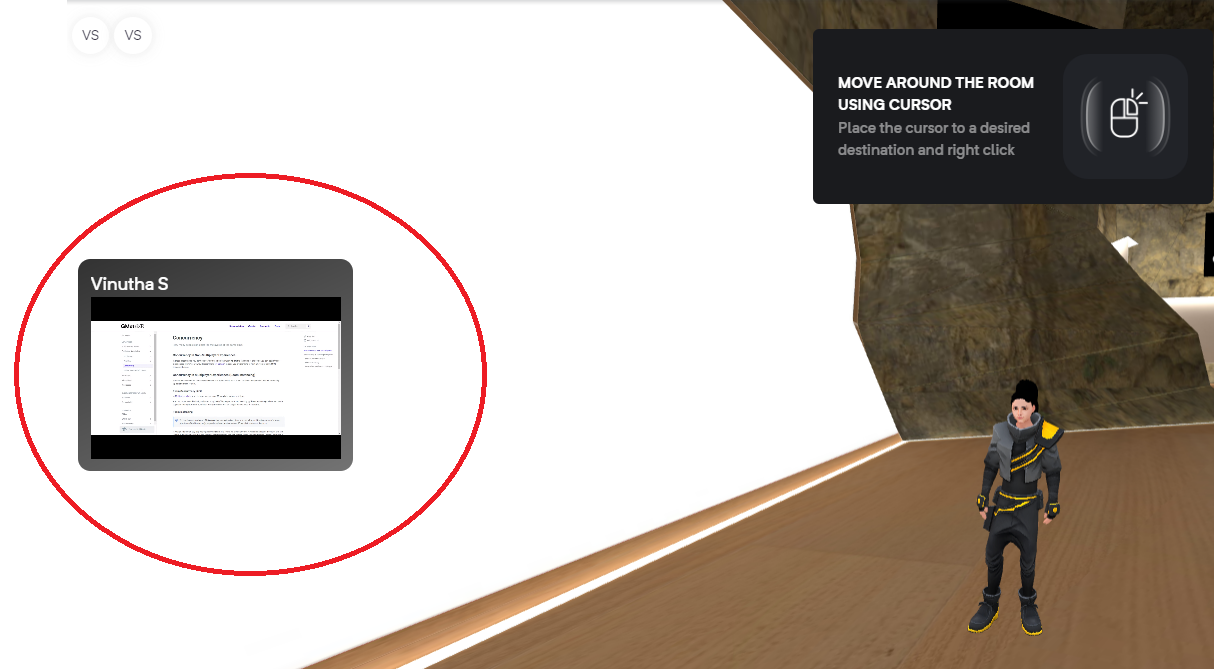
Screen share
By clicking on the rectangular screen displayed above, it will expand as demonstrated below.
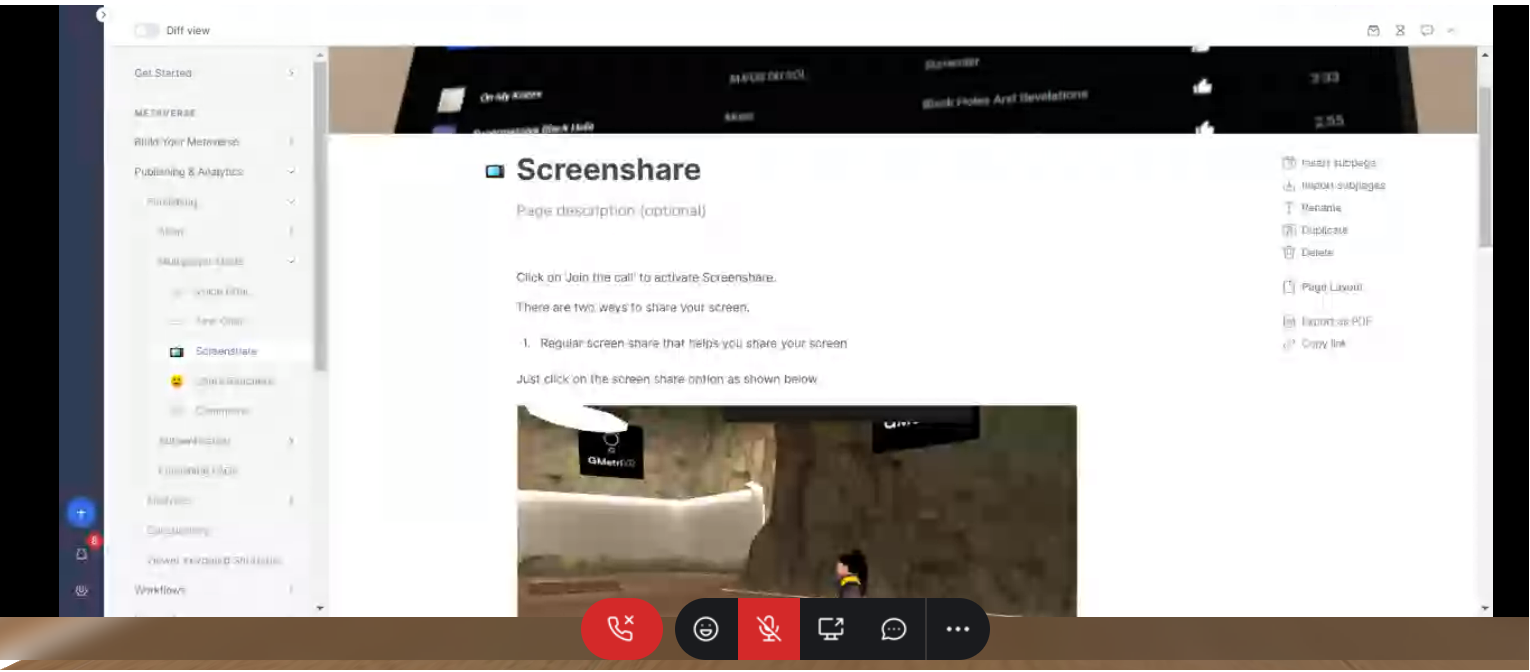
Screen share - expanded
3D screenshare element
Section titled “3D screenshare element”You can add this element by clicking on ‘+’ and selecting ‘Screenshare’ element.
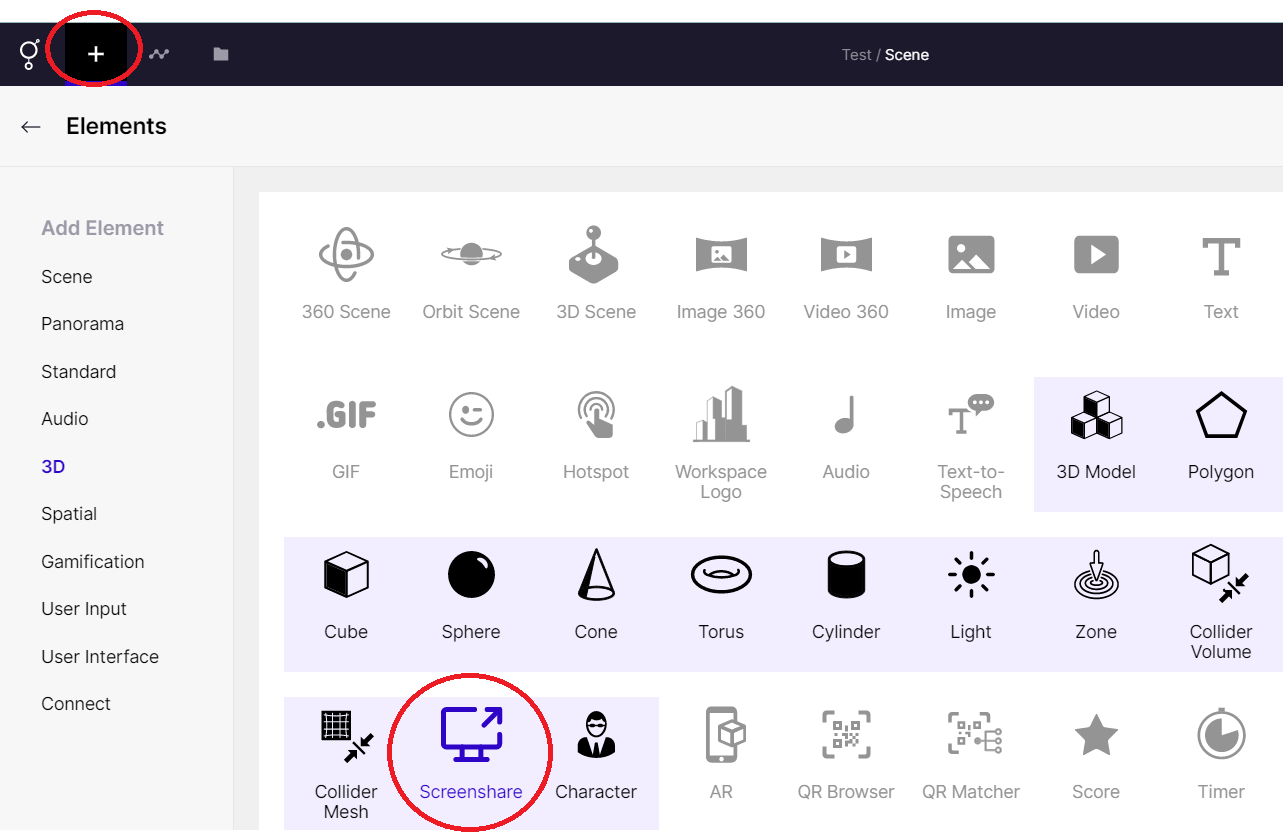
Screenshare Element
This will provide a plane which you can use to share your screen with other participants in the same experience.
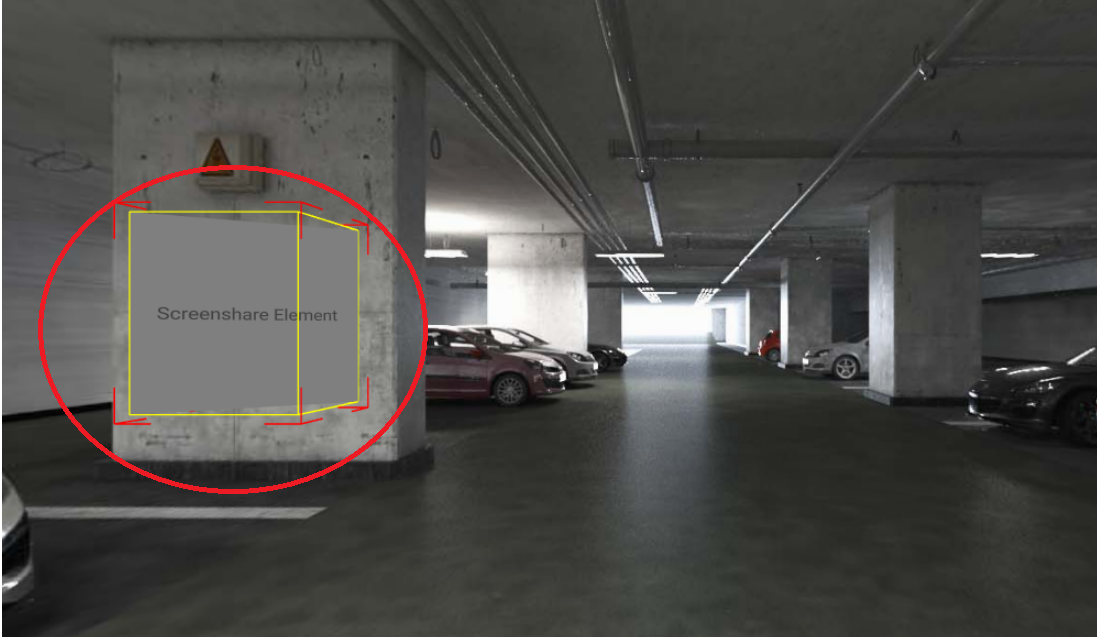
3D Screenshare element
Using the right panel, you can modify the screen’s dimensions, size, proportion, and transparency.
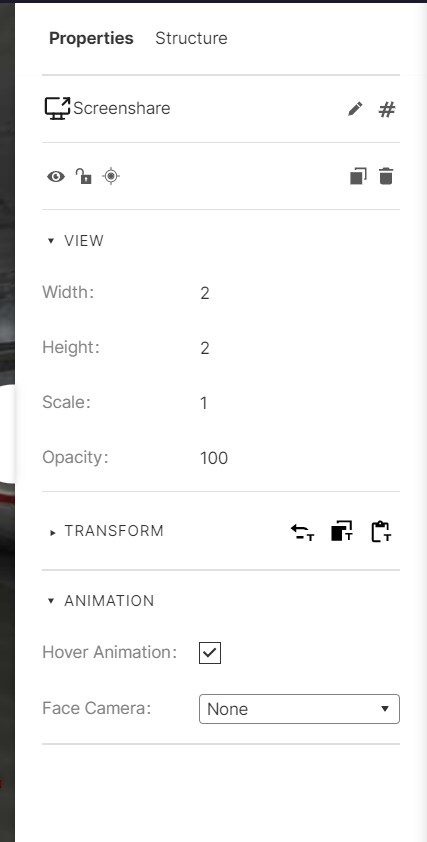
Right Panel - Screenshare
3D Screenshare